Sell and serve · The DataN8 app
Your business line, recorder and AI assistant in your pocket
Make and take business calls, record meetings and ask N8 for help from your phone. Every conversation becomes a transcript, a set of actions and a record in Datan8, wherever you are.
Part of Sell and serve.
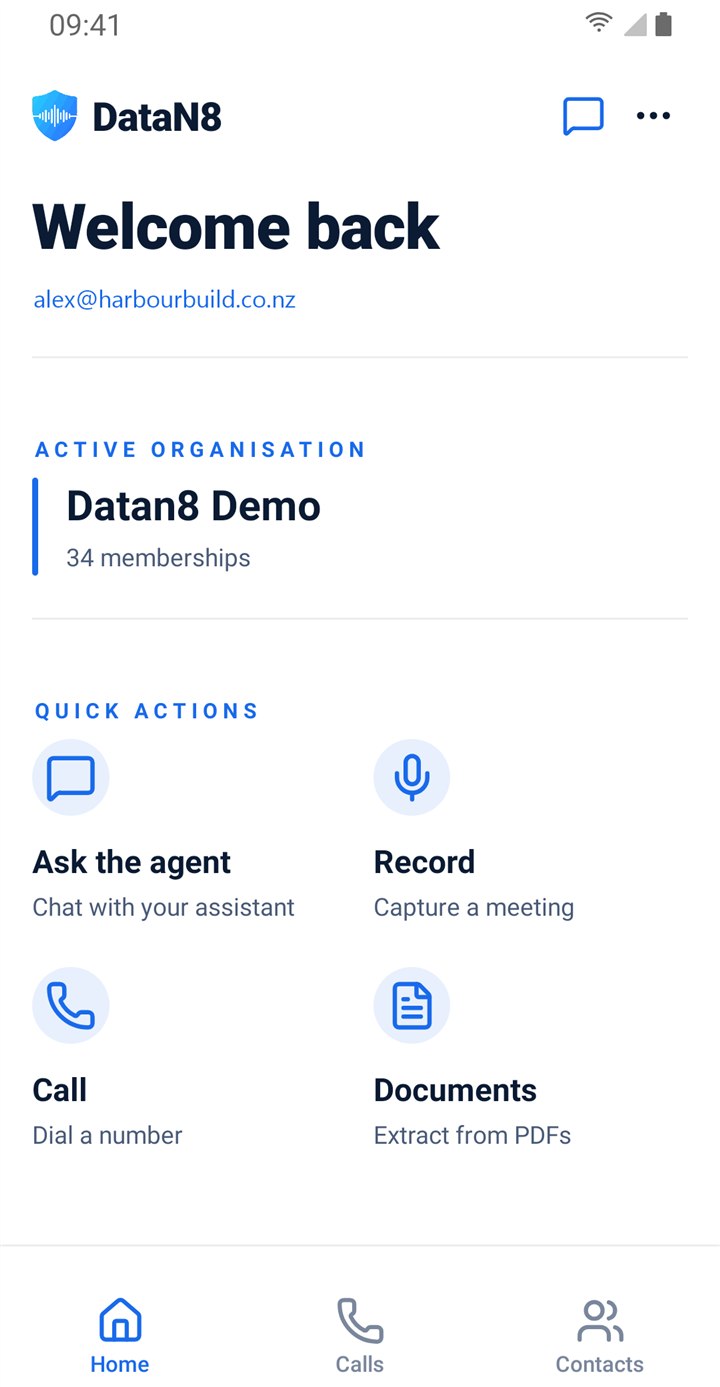
Every call written up and followed through
A business call from your phone, the transcript it leaves, and N8 lining up what happens next. 42 seconds.

Datan8 on the go
The work that happens away from your desk, captured
Most of the useful conversations in a business happen on the phone, on site or in a meeting room. The DataN8 app puts your business calls, meeting recordings and your AI assistant on your phone, and sends everything back to Datan8, so your team sees the same transcripts, follow-ups and history whether they are at a desk or on the road.
Everything in one app
The parts of Datan8 you need when you are not at a desk.
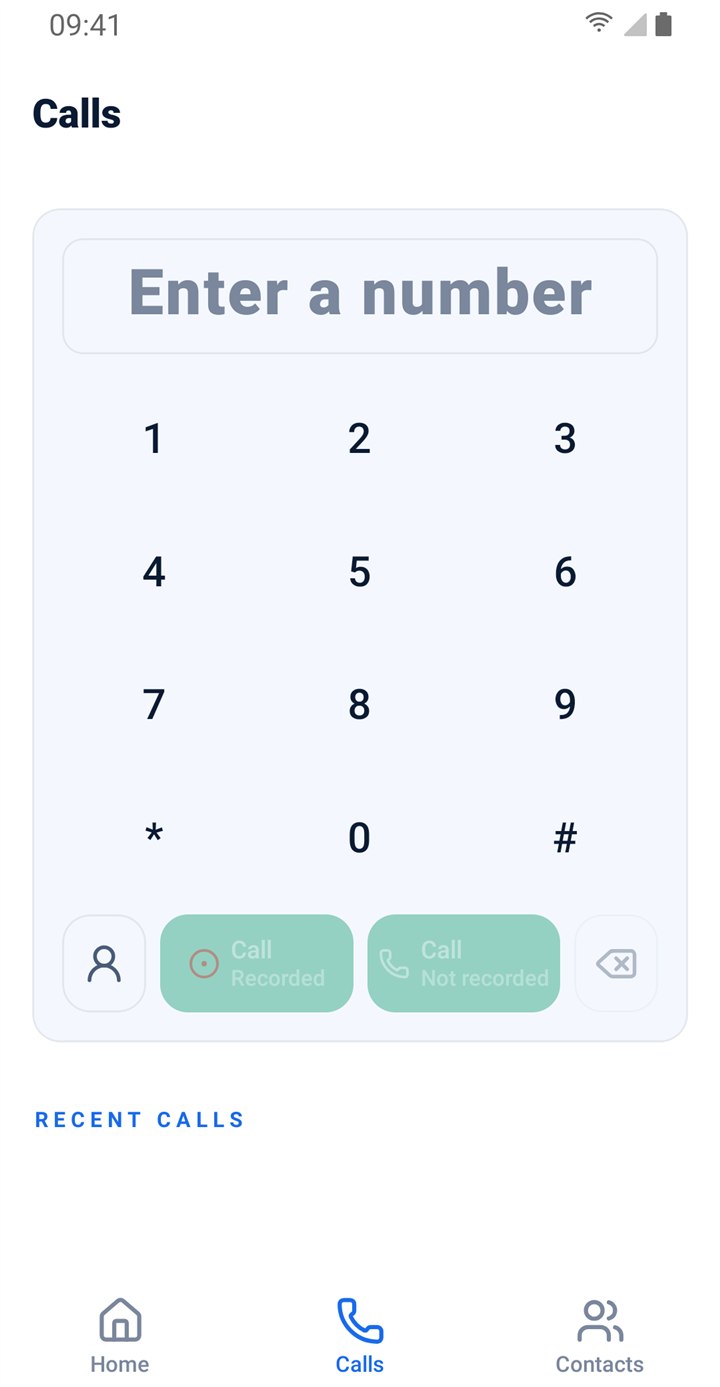
Calls
Business calls from your mobile, logged in Datan8
Call clients from your Datan8 business number with the phone's own call screen. Incoming calls ring like any other call, and every call is logged against the contact.
- Choose to record each call, or not
- Forward your mobile to your Datan8 line, for every call or only the calls you decline
- Caller names from your Datan8 contacts and your phone's contacts
- Your phone's contacts stay on your phone
Meetings
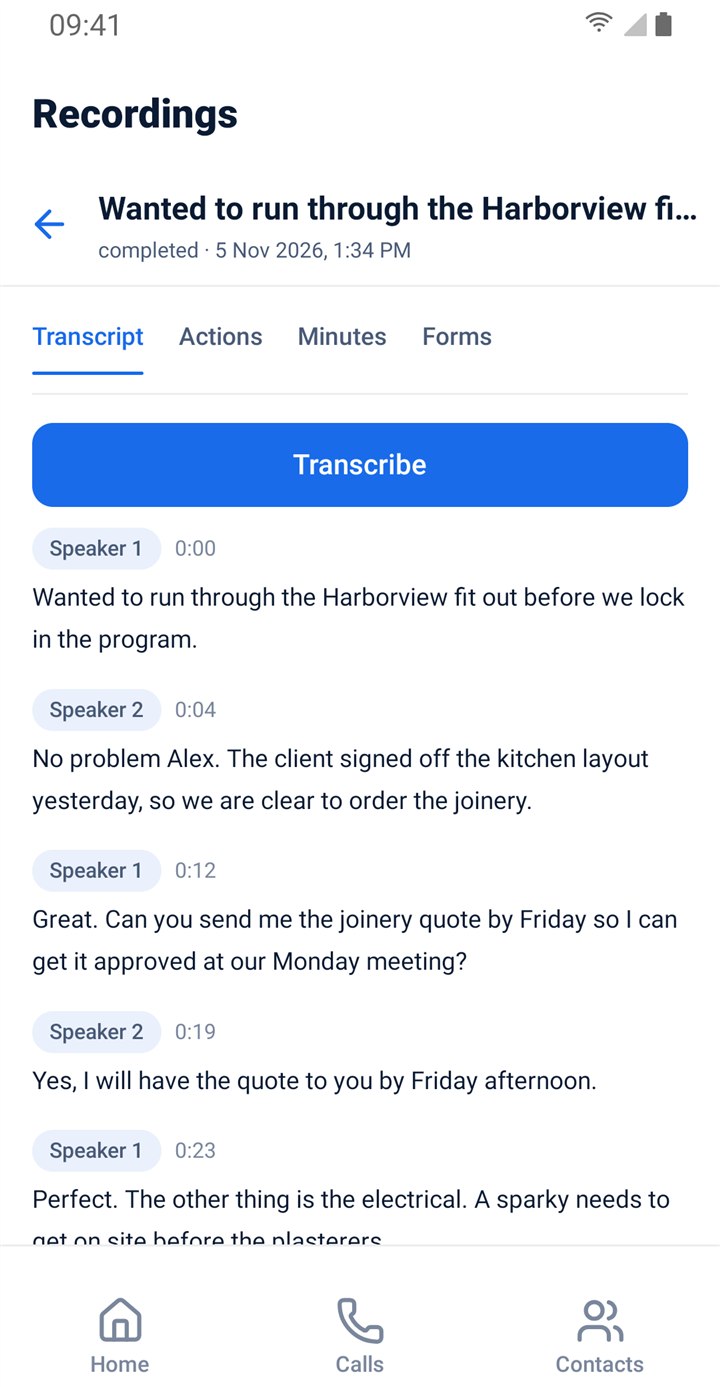
Record the meeting. Keep the details.
Put your phone on the table and tap Record. When you stop, DataN8 uploads the audio and transcribes it with speaker labels, so nobody has to take notes.
- Keeps recording with the screen locked
- Transcript with speaker labels and timestamps
- Meeting minutes in one tap
- Fill in your forms from what was said
Follow-ups
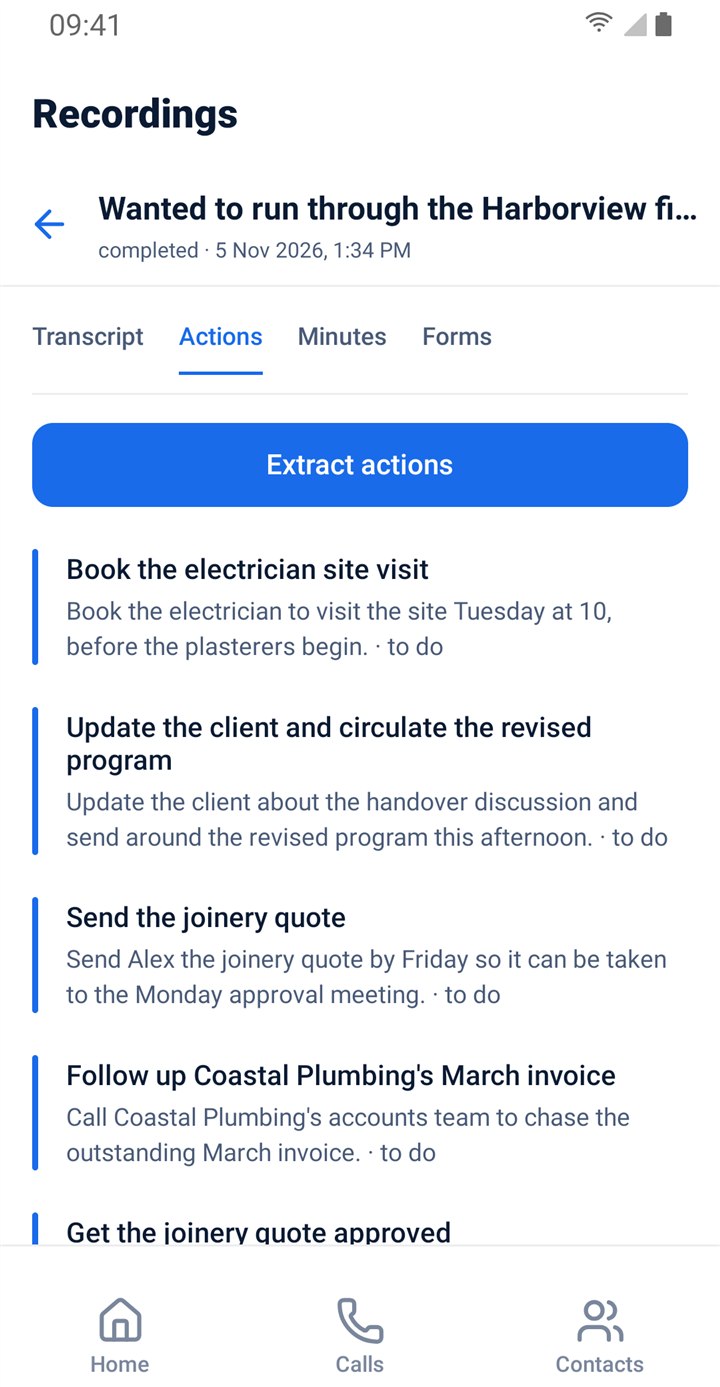
Every promise in the meeting becomes a task
Tap Extract actions and the follow-ups agreed in the meeting appear as tasks: who said they would do what, and by when. Track them to done from your phone or the Datan8 web app.
- Tasks pulled from calls, meetings and documents
- Grouped by status, updated with a tap
- The same list on your phone and on the web
N8, your AI assistant
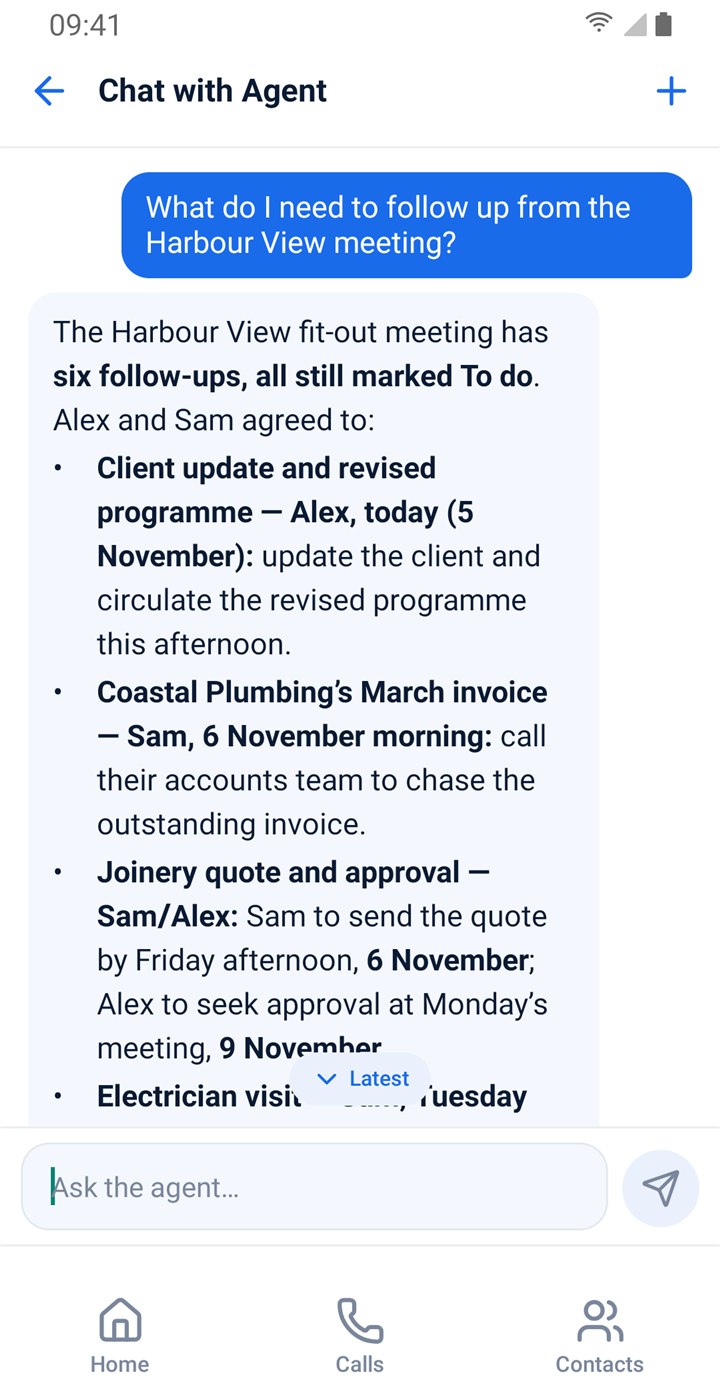
Ask N8 what needs doing
N8 is the same assistant you use in the Datan8 web app, with the same chat history. Ask what came out of today's meeting, who you need to call back, or what is overdue, and N8 checks your recordings and tasks for the answer.
- Answers from your own recordings, tasks and clients
- Can draft follow-ups and update records for you
- Share a photo, PDF or text from another app straight to N8 (Android)
Calling from your own phone, or calling with DataN8
| Your own phone | DataN8 app | |
|---|---|---|
| Recording, your choice per call | No | Yes |
| Transcript with speaker labels | No | Yes |
| Call logged against the contact | No | Yes |
| Follow-ups pulled out as tasks | No | Yes |
| Ask N8 what was agreed | No | Yes |
Up and running in minutes
Get invited
Your Datan8 administrator invites you with your work email.
Download and sign in
Install DataN8 from the App Store or Google Play and sign in with Apple, Google, Microsoft or an emailed code.
Call, record and ask
Your calls, recordings and tasks appear in Datan8 for the rest of your team straight away.
Built for business data
DataN8 app questions
Which phones does the DataN8 app run on?
Is everything available on both iPhone and Android?
Who can sign in?
Are my calls recorded automatically?
Can I keep using my mobile number?
Where is my data stored?
How much does the app cost?
Sell and serve
More in Sell and serve
Take Datan8 with you.
Download DataN8 for iPhone or Android, or book a free demo and see your own calls and meetings turned into actions.